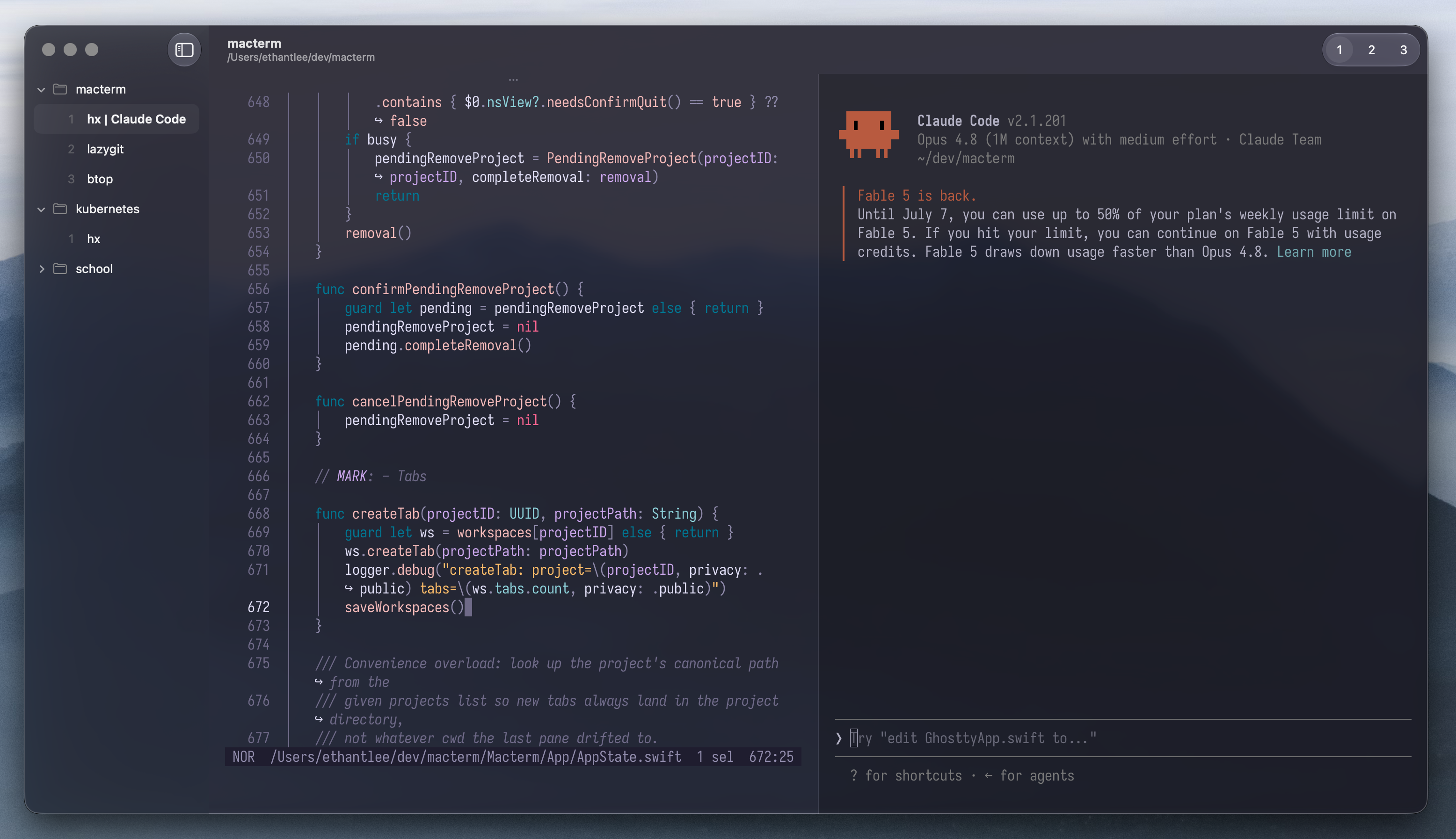
Macterm
A macOS terminal with session persistence, smart multiplexing, and native UI, built on libghostty.
brew install --cask thdxg/tap/macterm
Features
Persistent multiplexing
Projects, tabs, and panes are saved and restored on relaunch. Quit the app; your whole workspace comes back — scrollback and running processes intact.
Remote projects
Open a directory on another machine over SSH. Panes persist on the host, surviving quits, dropped connections, even a local reboot.
Vertical project sidebar
Organize projects and their tabs in a native macOS sidebar, stacked vertically where there's actually room to read them.
Command palette
Press ⌘P to split panes, switch projects, or open a directory — every action a keystroke away.
Declarative layouts
Describe a project's tabs, splits, and per-pane commands in layout.yaml. Open it; the workspace builds itself.
Control CLI
A bundled macterm command drives the running app over a socket — so scripts and AI agents can spawn panes and run commands.
Quick terminal
A global terminal that drops down from anywhere with a hotkey, then gets out of your way when you're done.
Ghostty compatibility
Reads your existing ghostty/config. Theme, font, keybinds — all of it just works.